
Download Explorador FF – fractal explorer, mathematical patterns, interactive fractals, fractal generator, math tool, visual math
Overview
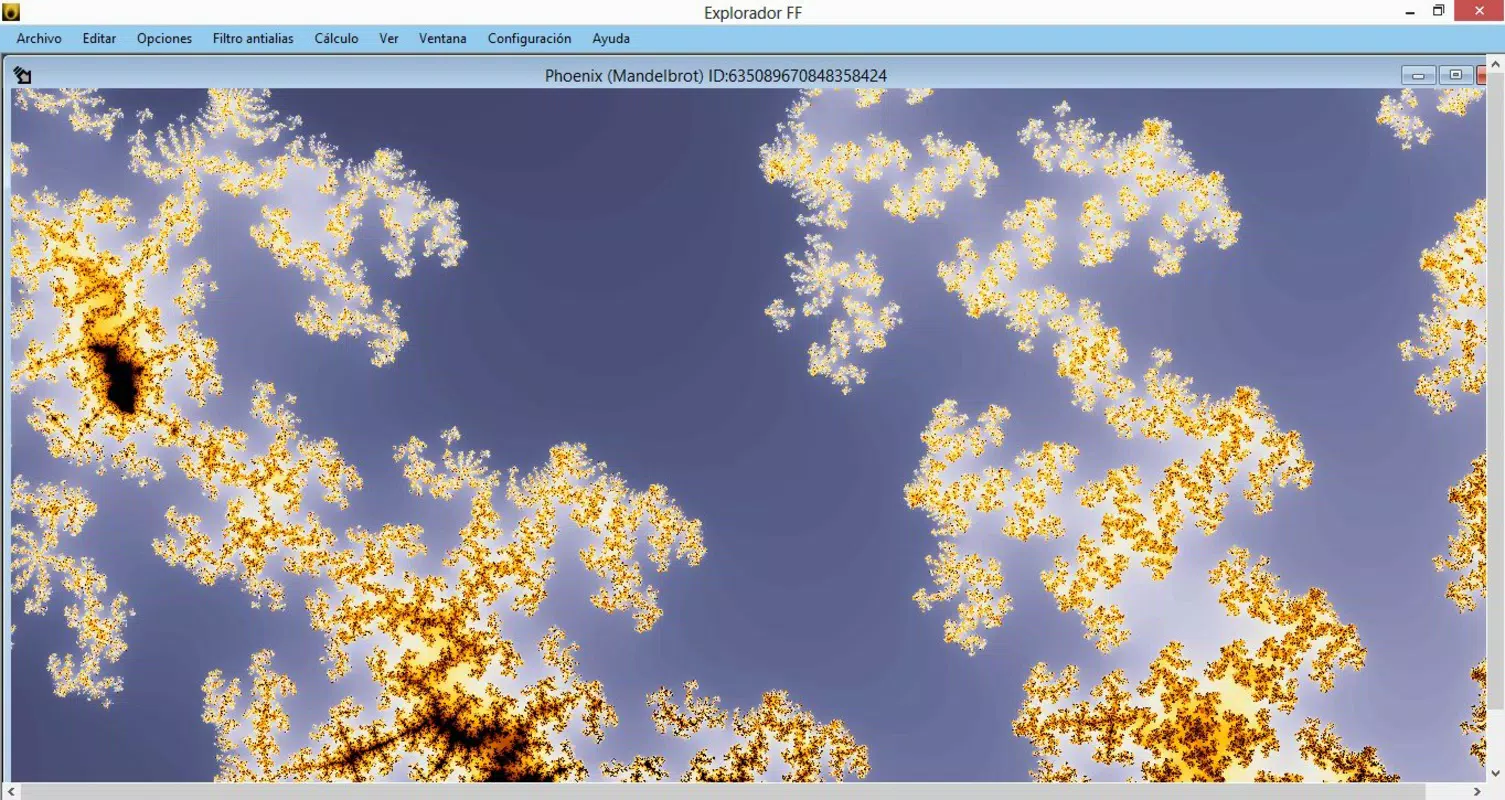
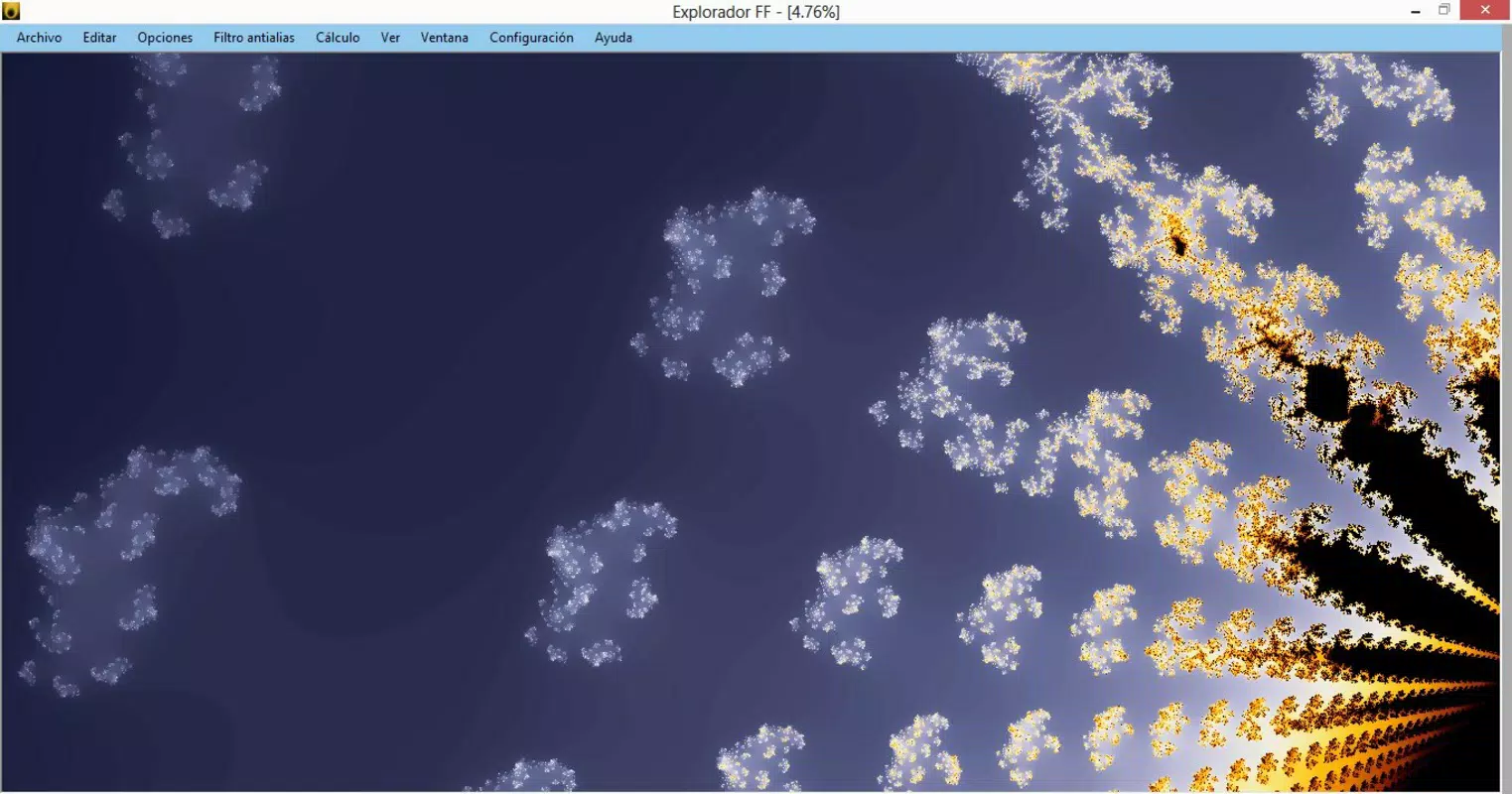
Explorador FF is a mobile application designed for individuals with a passion for mathematics and visual complexity, particularly those interested in fractals. The app serves as a dedicated tool for generating and exploring intricate mathematical patterns through an accessible interface. It enables users to create, manipulate, and visualize fractal designs, offering a bridge between abstract mathematical concepts and tangible visual art. This makes it especially valuable for educators, students, and hobbyists seeking to deepen their understanding of recursive geometric structures.
Targeted at math enthusiasts, the app simplifies the process of fractal creation, removing the need for advanced programming or computational knowledge. Whether used for educational purposes, artistic inspiration, or personal curiosity, Explorador FF provides a platform for hands-on engagement with mathematical beauty. Its release in 2014 places it among early mobile tools focused on mathematical visualization, reflecting a growing interest in STEM-related mobile applications.
Developed by Arnold A. Howe, the app demonstrates a commitment to making complex mathematical ideas approachable through intuitive design. Although specific details about the developer’s background are not available, the app’s consistent focus on usability and depth suggests a thoughtful approach to user experience. Real-world applications include classroom demonstrations, personal exploration of self-similar patterns, and creative projects involving recursive geometry. In the broader mobile ecosystem, Explorador FF stands out as a niche yet meaningful utility within the productivity and educational categories.
Key Features & Functionality
- User-Friendly Interface: The app features an intuitive layout that allows users to navigate and configure fractal settings without requiring technical expertise. This design lowers the barrier to entry for individuals new to fractal mathematics, enabling immediate engagement with complex visual forms.
- Extensive Creation Options: With a variety of customizable parameters, users can generate an almost infinite range of fractal patterns. These options support experimentation with shape, symmetry, depth, and color, allowing for diverse outcomes tailored to individual preferences.
- Real-Time Interaction: Users can manipulate created fractals in real time by moving their fingers across the screen. This interactive capability enhances user engagement and supports dynamic exploration, making the experience more immersive and intuitive.
- Expert-Level Customization: For advanced users, the app provides detailed control over fractal parameters. This allows for precise adjustments and deeper exploration of complex configurations, supporting serious study or artistic refinement of fractal designs.
These features combine to create a flexible environment where both beginners and experienced users can find value. For instance, a high school student might use the app to visualize Mandelbrot set iterations, while a researcher could test variations in recursive algorithms. The real-time feedback loop encourages iterative learning and discovery, reinforcing conceptual understanding through visual experimentation.
Interface, UX & Performance
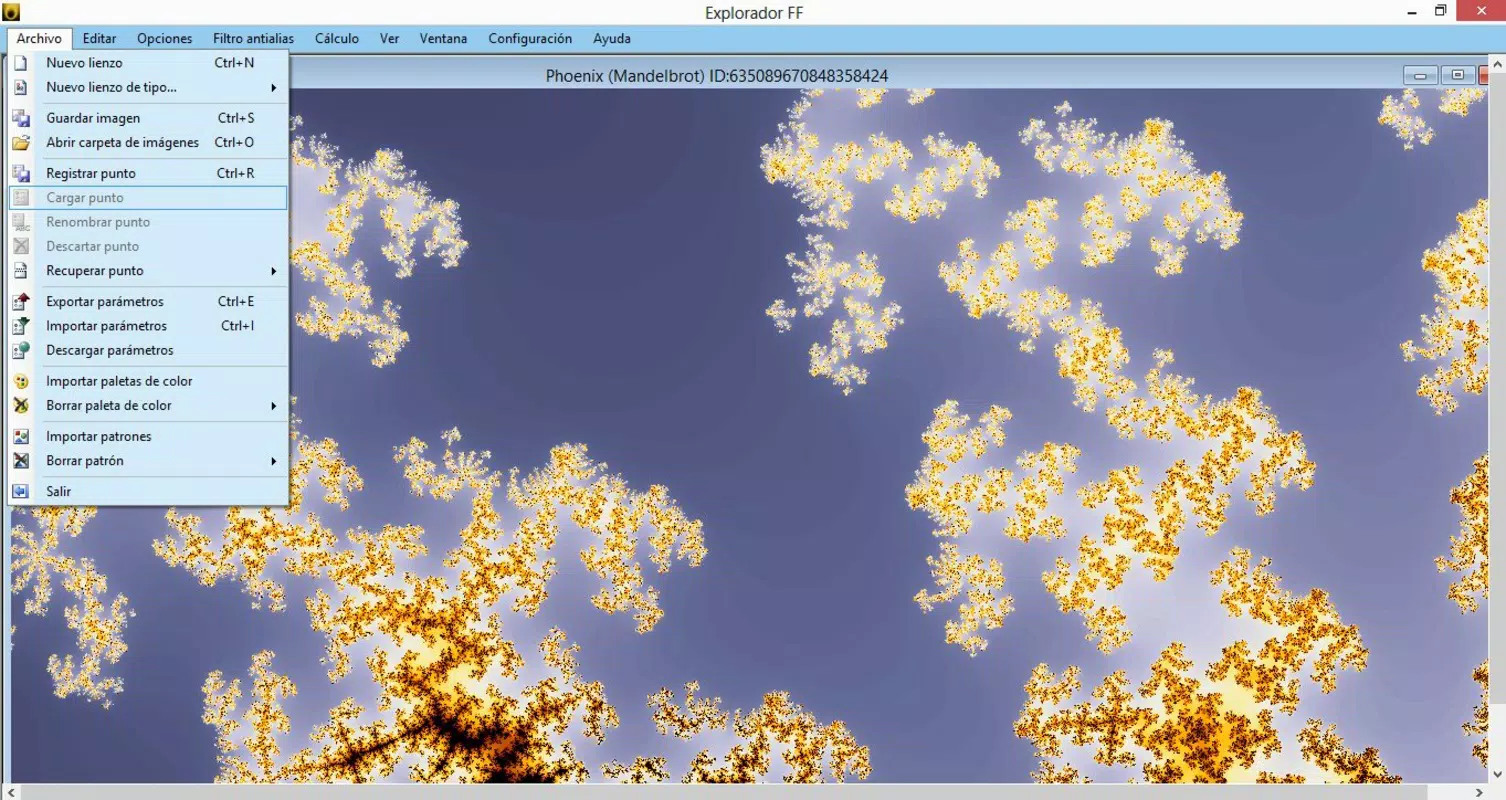
Explorador FF presents a clean, minimal interface focused on functionality and visual clarity. The layout prioritizes access to core tools, with controls logically grouped and clearly labeled. Navigation is straightforward, allowing users to adjust settings and view results without unnecessary steps. The visual style emphasizes the fractal output, ensuring that the generated patterns remain the central focus.
Interaction is smooth and responsive, with minimal lag during real-time manipulation. Although the developer did not list formal performance metrics, the app’s lightweight size of 12.4 MB suggests efficient resource usage. It is expected to run well on a wide range of Android devices, including older models, though specific compatibility details were not disclosed. Stability appears consistent based on the app’s long-standing presence since 2014, indicating reliable operation over time.
Responsiveness across different screen sizes and orientations has not been officially confirmed. However, the app’s design philosophy emphasizes usability across devices, implying adaptability. The lack of reported crashes or bugs in public records suggests a stable user experience. Overall, the interface supports intuitive exploration, making it suitable for both casual users and those seeking deeper engagement with fractal geometry.
Platform Compatibility & Technical Requirements
Explorador FF is available exclusively on the Android platform. The app requires Android as its operating system, though specific minimum OS versions were not listed by the developer. Given its release date in 2014, it is likely compatible with Android 4.0 and later versions, though this remains unconfirmed. The app’s file size is 12.4 MB, which is relatively small, indicating efficient code and minimal storage requirements.
Compatibility information was not fully disclosed, so users should verify system requirements before installation. The developer did not provide additional technical details regarding hardware specifications, memory usage, or background processes. It is recommended to install the app on devices with standard processing capabilities to ensure optimal performance. No specific permissions were mentioned in the provided data.
Pros and Cons
- Free to download and use
- Intuitive interface suitable for beginners
- Real-time interaction enhances engagement
- Supports both casual exploration and advanced customization
- Compact file size (12.4 MB)
- Specific OS version requirements not listed
- No official updates since 2014
- Limited information on technical specifications
- Platform availability restricted to Android
- No integration with external tools or export options mentioned
FAQ
Is Explorador FF safe to download?
Yes, the app is free and available through official Android channels. As it is distributed by a known developer and has been stable since 2014, it is considered secure for installation.
Can I use Explorador FF on iOS devices?
Currently, the app is only available for Android. There is no official version for iOS devices.
Does Explorador FF require internet access?
No internet connection is required to use the app. All features are available offline.
Is the app regularly updated?
The developer has not released any updates since 2014. The app remains functional but may not support newer Android versions or devices.
Can I export or save my fractal designs?
Export functionality was not mentioned in the provided information. Users should check within the app for any available save or share options.
Final Thoughts + CTA
Explorador FF remains a distinctive tool in the mobile productivity space, offering a focused and engaging experience for those interested in mathematical art and fractal geometry. Its blend of accessibility and depth makes it ideal for students, educators, and math enthusiasts seeking a hands-on way to explore recursive patterns. While the app has not seen updates in over a decade, its core functionality continues to serve its intended purpose effectively.
For users drawn to the visual beauty of mathematics, Explorador FF delivers a rewarding experience with minimal friction. Its lightweight design and free availability enhance its appeal, especially for educational use or personal curiosity. Though it lacks modern features like cloud integration or social sharing, its simplicity is a strength in a world of feature-heavy apps.
Download Explorador FF now


